
How Syngulr Automates Business Workflows with Integrations
Syngulr integrates with over 3,000+ applications to automate workflows by applying business rules across systems, aiming to automate repetitive tasks to improve productivity and efficiency.
 Krina Kumbhani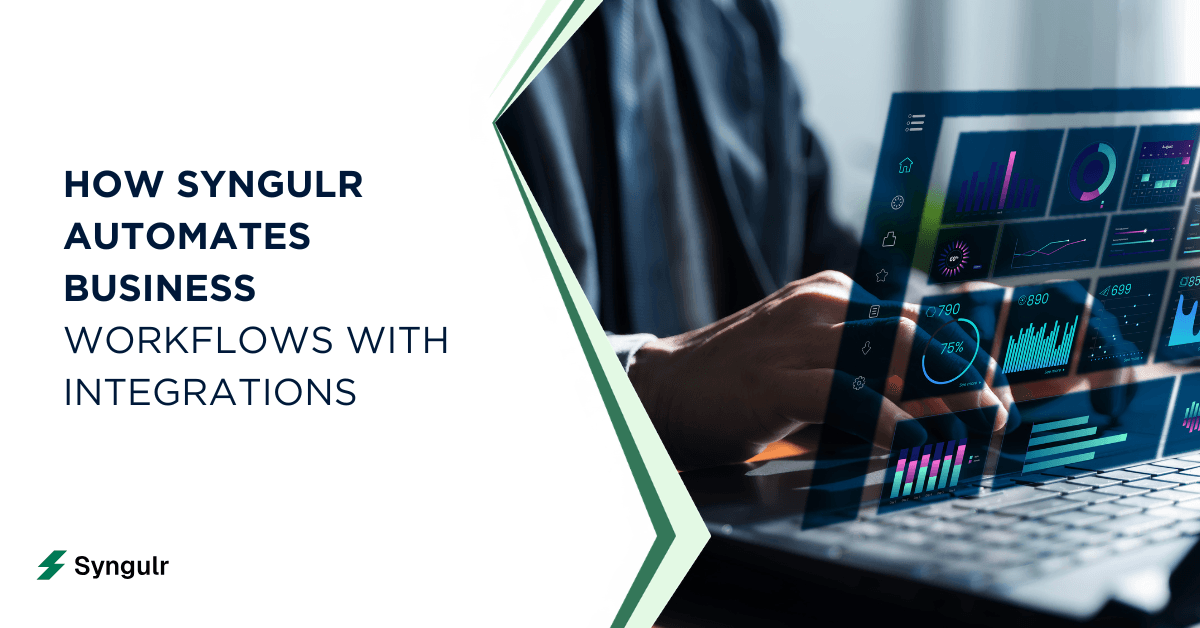
Every growing business hits the same wall: teams juggle multiple tools, copy data between apps, send follow-up emails manually, and spend hours on routine tasks that should take minutes. The work gets done, but it drains time and focus from the things that actually drive business growth. Syngulr automates business workflows with integrations, transforming how organizations operate by connecting over 3,000 applications to streamline processes, eliminate manual data entry errors, and improve productivity and efficiency.
This article is designed for business owners, operators, IT leaders, and anyone responsible for scaling business operations. We’ll cover what workflow automation, integration, and an AI workforce mean in practical terms, why automating business workflows with integrations matters, and how Syngulr’s platform enables you to automate repetitive tasks, improve accuracy, and cut operational costs. You’ll learn about Syngulr’s core integrations, see real-world use cases, and get actionable best practices for building reliable, human-friendly automation.
What is Workflow Automation, Integration, and AI Workforce?
Defining Workflow Automation
Workflow automation is the process of using technology to perform routine business tasks automatically, eliminating manual data entry errors and improving accuracy and consistency in processes. Automated workflows can significantly cut operational costs and save up to a third of work hours spent on repetitive tasks.
What is Integration?
Integration connects applications via APIs for seamless data flow between systems. Workflow integration ensures that information moves automatically between your business tools, reducing the need for manual updates and enabling real-time collaboration.
What is an AI Workforce?
An AI workforce refers to AI-powered agents or "AI employees" that execute business processes across your connected systems. Syngulr’s AI workforce aims to automate repetitive tasks to improve productivity and efficiency, orchestrating workflows and making decisions based on business rules.
Unlocking Business Efficiency with Syngulr’s AI-Powered Integrations
Syngulr stands apart from traditional automation tools by combining deep integrations with intelligent AI agents. Instead of just moving data from point A to point B, Syngulr’s AI workforce (which aims to automate repetitive tasks to improve productivity and efficiency) plugs into your existing systems and executes business rules across them.
How Syngulr Integrates with Your Tools
Syngulr’s integrations act as the connective tissue between your business processes, automation tools, and the core systems your team already relies on. By connecting over 3,000 applications, Syngulr enables seamless workflow automation that eliminates manual data entry errors and improves accuracy and consistency in processes.
Describing Outcomes in Plain English
With Syngulr, you don’t need to think in terms of triggers and fields. You simply describe the outcome you want in plain English, and Syngulr’s AI employees handle the rest—executing tasks 24/7 across your entire tech stack. This is workflow orchestration: the AI figures out which integrations to call and in what order, applying business rules across systems for true end-to-end automation.
Transition: Now that you understand how Syngulr’s AI-powered integrations work, let’s explore how to connect your business apps and let AI automate everything.
Connect Business Apps Once, Then Let AI Automate Everything
Onboarding with Syngulr takes minutes, not days. You connect Gmail, Slack, Shopify, Google Ads, Google Docs, your CRM, and your project management tool through Syngulr’s integration platform. Once these app integrations are active, the platform can sync apps automatically across more than 3,000+ tools.
Connecting Your Apps
After connecting your core business applications, Syngulr’s AI workforce can orchestrate workflows across all of them. Integration connects applications via APIs for data flow, ensuring that information moves seamlessly and securely between your tools.
Describing Outcomes in Plain English
Instead of building complex recipes, you describe the outcome you want in English. For example, when a customer places an order on your Shopify store, Syngulr can draft a personalized thank-you email in Gmail, log the order details in a shared Google Docs report, and send a notification to your fulfillment channel in Slack—all automatically.
Transition: Now, let’s look at the core integrations that power these workflows.
Core Syngulr Integrations That Power Everyday Business Workflows
Syngulr supports 3,000+ app integrations, but a handful of flagship connections form the backbone of daily workflow automation for most SMBs and startups. These integrations enable teams across marketing, sales, operations, and customer support to automate repetitive tasks, improve accuracy, and boost productivity.
General Explanation of Integrations
Syngulr’s integration platform connects your business applications via APIs, allowing data to flow automatically between systems. This eliminates manual data entry errors, improves accuracy and consistency, and enables real-time collaboration across departments.
Below are the integrations that teams rely on most:
Slack Integration: Centralize Notifications and Approvals
The Slack integration turns your messaging platform into a command center for AI-driven work. Syngulr’s AI employees post updates directly into specific Slack channels: new lead alerts, daily sales snapshots, urgent support tickets, and status changes across your business operations.
Gmail Integration: Automate Outreach, Follow-Ups, and Approvals
Gmail integration lets Syngulr draft, personalize, and send emails as part of larger automated workflows. Use cases include follow-up emails for new leads, onboarding sequences for customers, and payment reminders triggered by CRM or accounting events.
Google Docs Integration: AI Drafting, Documentation, and Reports
The Google Docs integration allows AI employees to create and update documents automatically. Proposals, SOPs, meeting notes, and monthly reports are drafted by AI and stored in your shared Google Workspace folders.
Shopify Integration: Automate E-commerce Operations from Order to Follow-Up
The Shopify integration lets Syngulr monitor orders, customers, and inventory in real time. When an order is placed, AI sends confirmation emails, updates inventory, and flags VIP customers for special follow-ups.
Google Ads Integration: AI-Assisted Campaign Optimization
The Google Ads integration lets Syngulr read performance data, draft optimization suggestions, and prepare changes for your review. Weekly performance summaries can be sent via Gmail or posted in Slack channels.
Transition: With these core integrations in place, Syngulr enables you to move beyond simple triggers and embrace intelligent, AI-driven automation.
From Simple Triggers to AI Automation: Evolving Beyond Basic Workflows
Most automation tools follow a rigid pattern: if this happens, do that. While this works for simple tasks, it breaks down when your business needs nuance and adaptability. Syngulr automates workflows by applying business rules across systems, combining rule-based automation with AI automation to handle complex workflows.
Transition: Next, let’s see how Syngulr keeps humans in the loop with automated approvals and human-in-the-loop processes.
Automating Approvals and Human-in-the-Loop Processes
Not every action should fire without oversight. Syngulr lets you automate approvals for documents, campaigns, discounts, and refunds while keeping the right team members in control. The AI prepares the work, then routes the approval request to the designated person via Slack or email.
Transition: Now, let’s explore real-world use cases to see how Syngulr automates business workflows with integrations across different departments.
Use Cases: How Syngulr Automates Business Workflows with Integrations
Sales and Lead Management Workflow Automation
Here’s an end-to-end sales automation scenario. A potential customer fills out a form on your website. Syngulr picks up the form submissions, updates your CRM with the lead’s details, and drafts a personalized welcome email in Gmail. The AI then creates a follow-up task in your project management tool and sends a Slack alert to the assigned sales rep.
Marketing, Email Campaigns, and Google Ads
A marketing team connects their email marketing tools, Google Ads integration, and Google Docs integration through Syngulr. The AI creates a campaign plan in Google Docs, drafts email sequences for different audience segments, and monitors ad performance across platforms.
Customer Support and Ticket Triage
Customer support tickets can be automatically routed based on issue type, and Syngulr makes this happen across your help desk tools. When a ticket comes in, the AI categorizes it, drafts an initial response, and escalates urgent cases to a specific Slack channel for immediate attention.
Operations, Data Entry, and Back-Office Processes
Operations teams often face repetitive work: updating spreadsheets, syncing CRMs, generating status reports, and cross-checking financial records. Syngulr integrates with tools like Google Sheets, Notion, Airtable, and existing systems to eliminate manual data entry from these internal processes.
Transition: To see how easy it is to automate multi-app workflows, let’s look at some real prompt examples.
One Prompt, Multi-App Workflows: What It Looks Like in Practice
Here are three real prompts and what Syngulr does with them:
- Prompt 1: "Set up a reactivation campaign for customers who haven't purchased in 30 days."
- Syngulr pulls inactive customer data from Shopify, segments them, drafts a personalized email sequence in Gmail, creates a campaign brief in Google Docs, and posts the plan in Slack for approval before launching.
- Prompt 2: "Every Monday, send the team a summary of last week's Google Ads performance and top support issues."
- Syngulr aggregates Google Ads data and support ticket trends, generates a report, drops it into Google Docs, emails it via Gmail, and posts highlights in Slack.
- Prompt 3: "When a new lead fills out our contact form, enrich their profile, draft a personalized welcome email, and assign them to the right rep."
- Syngulr captures form submissions, pulls enrichment data, updates the CRM, drafts the email, and notifies the assigned rep in Slack.
You don’t think in triggers and fields. You describe business goals and guardrails. The AI figures out which integrations to call and in what order.
Transition: With so many integrations, security and control are critical. Let’s see how Syngulr handles data ownership and permissions.
Security, Control, and Data Ownership Across 3000+ Integrations
Connecting 3,000+ tools to one platform raises fair questions about permissions, data access, and role-based access control. Syngulr uses industry-standard security: OAuth authentication, scoped permissions per integration, and encrypted data transmission.
Your business data stays in your own tools. Emails live in Gmail. Documents stay in Google Docs. Orders remain in Shopify. Syngulr orchestrates workflows across these apps but doesn’t warehouse your data. All actions initiated by AI employees are logged and auditable.
Transition: Now, let’s compare Syngulr to traditional workflow automation tools to see what sets it apart.
Comparing Syngulr to Traditional Workflow Automation Tools
Traditional workflow automation tools require you to manually build every step: select a trigger, map fields, define conditions, test, repeat. That works for simple, linear processes. But when your workflows span multiple departments, require content generation, or need contextual decision-making, those tools hit their ceiling.
Comparison Table:
| Feature | Traditional Tools | Syngulr |
|---|---|---|
| Setup | Step-by-step recipe building | One-prompt orchestration |
| Intelligence | Static rules and triggers | AI reasoning + content creation |
| Scope | Data movement between 2-3 apps | Cross-functional, multi-app execution |
According to research cited across industry surveys, 95% of IT leaders prioritize workflow automation for efficiency, and 78% of business leaders agree automation boosts productivity. The question isn’t whether to automate—it’s whether your current tools can keep up as your business grows.
Transition: Ready to design your first automated workflow? Here’s how to get started with Syngulr.
Designing Your First Automated Workflow with Syngulr
Start by picking one high-impact process that’s currently time-consuming and error-prone. Good candidates include lead onboarding, order follow-up, or invoice reminders.
Steps to get started:
- Connect your core apps (Gmail, Slack, your CRM, Shopify or your commerce tool)
- Describe the process in plain English to your Syngulr AI employee
- Review the AI’s proposed workflow and adjust any steps
- Run a pilot with a subset of customers or leads
- Measure time saved, response times, or revenue recovered
Automation can save up to a third of work hours spent on repetitive tasks. Even one well-designed workflow can free up hours per week that your team currently spends on manual tasks. Start small, measure results, and expand from there.
Transition: As you see results, you can scale from one workflow to a fully automated AI workforce.
Scaling from One Workflow to a Fully Automated AI Workforce
Teams typically start with a single automation, maybe follow-up emails or order confirmations. Within weeks, they see the impact and start asking: what else can we automate?
The progression usually looks like this: simple email automations lead to cross-team processes like renewals, upsells, and churn prevention. Integrated workflows enhance collaboration across departments because Syngulr’s AI employees share context and integrated access to tools across your organization.
Instead of thinking in terms of isolated automations, think in terms of AI employees per function: an AI marketer handling email campaigns and ad optimization, an AI ops assistant managing data sync and reporting, an AI support rep triaging tickets and drafting responses. AI agents enable 24/7 execution of tasks across various business functions, and scaling means adding more agents, not more headcount.
Transition: To ensure your automation remains reliable and human-friendly, follow these best practices.
Best Practices for Reliable, Human-Friendly AI Automation
Keep Humans in the Loop for Sensitive Actions
- Always require human approval for discounts, refunds, customer escalations, and anything involving financial records.
Start with Clear Rules
- Begin with clear, rule-based automation before adding AI decision-making. Let the system learn your preferences over time.
Review Automated Workflows Regularly
- Audit your automated workflows quarterly to ensure they still match evolving business processes.
Maintain Brand Voice
- Store approved templates and examples in Google Docs for AI to reference, ensuring consistent communication.
Monitor Outputs and Reduce Errors
- Audit a sample of AI-generated emails and documents weekly to monitor outputs and reduce errors.
Always Have a Fallback
- Automating tasks reduces human error and improves accuracy, but no system is perfect. Always have a fallback plan in place.
Automated workflows improve accuracy and consistency in processes, but only when you treat them as living systems that need occasional tuning.
Transition: Let’s see how real teams are using Syngulr to automate business workflows and achieve measurable results.
Real-World Results: How Teams Use Syngulr to Automate Business Workflows
A DTC e-commerce brand connected Shopify integration, Gmail integration, and Slack integration through Syngulr. They automated order confirmations, VIP tagging, and post-purchase nurture sequences. The result: they eliminated hours of repetitive admin work per week and saw faster customer engagement without adding headcount.
A B2B SaaS startup used Syngulr to automate their entire lead management pipeline. Form submissions fed into their CRM, triggered personalized welcome emails, and alerted the right sales rep via Slack. Lead response time dropped from hours to under five minutes.
A growing marketing agency consolidated social media reporting, Google Ads integration summaries, and client updates into a single Syngulr workflow. Weekly reports generated automatically in Google Docs and distributed via Gmail. The team reclaimed nearly a full workday per week previously spent on manual reporting.
Automated workflows can significantly cut operational costs when applied consistently across an organization, and these teams are proof that the ROI is real and measurable for long-term success.
Transition: Ready to get started? Here’s how to begin automating your business workflows with Syngulr integrations.
Getting Started with Syngulr Integrations Today
The gap between where your business is and where it could be often comes down to the workflows you haven’t automated yet. Syngulr gives you the integration platform and AI workforce to close that gap without hiring developers or rebuilding your tech stack.
Here’s the path: visit syngulr.ai, connect your first three to five business apps, and delegate your first workflow to an AI employee. Start with one team, one process, one prompt. Measure the results. Then expand.
Syngulr aims to automate repetitive tasks to improve efficiency across every corner of your business. With 3,000+ integrations, AI employees that work around the clock, and the ability to automate work from a single line of English, it’s the always-on AI co-founder that modern teams need to scale without burning out. Your first automated workflow is one prompt away.
Related articles
AI Tools and Automation
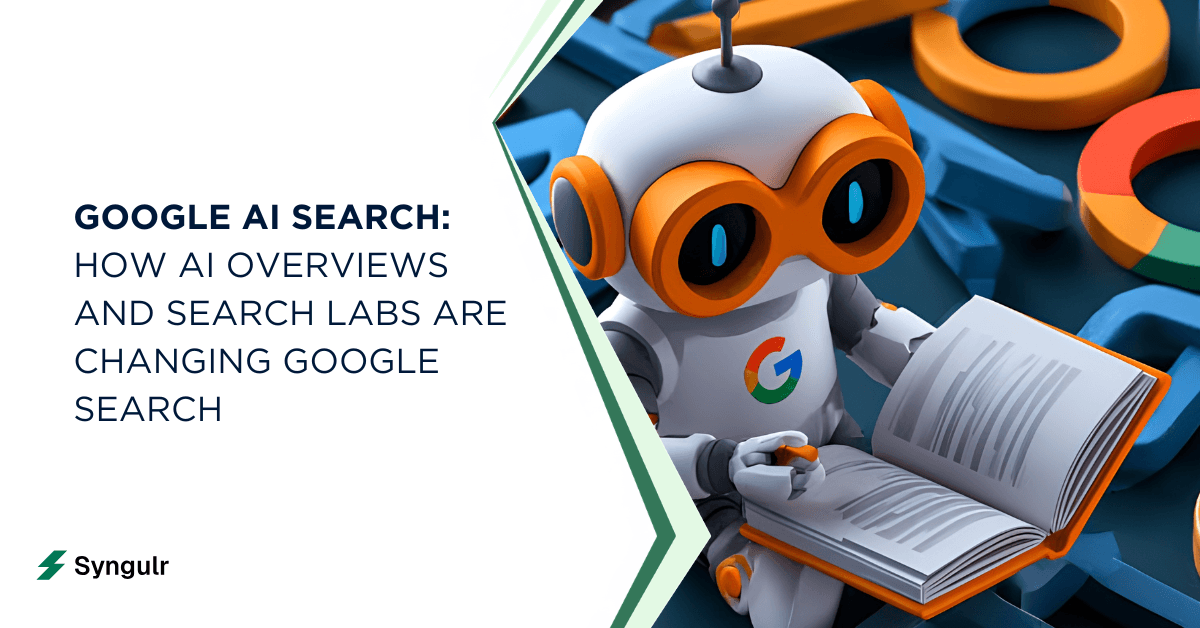
Google AI Search: How AI Overviews and Search Labs Are Changing Google Search
Google AI Search blends web search with generative AI to deliver cited, synthesized answers through AI Overviews and AI Mode. Learn how it works, how to enable Search Labs on desktop and mobile, its real impact on SEO and traffic, and where AI-powered search is heading next in 2026.
AI Tools and Automation
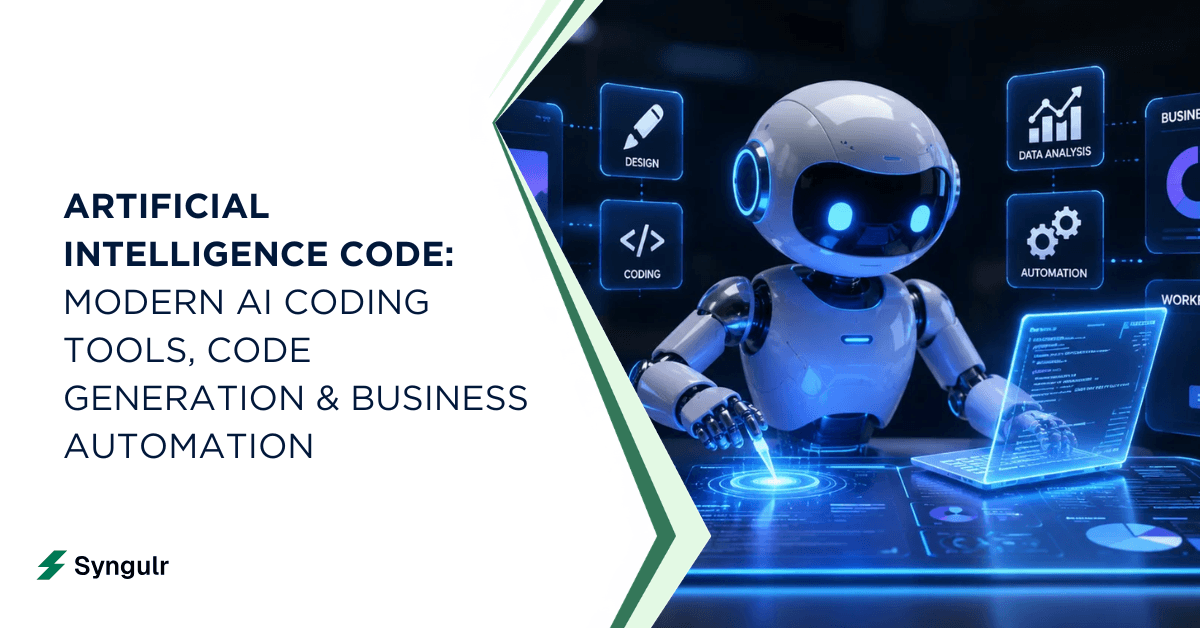
Artificial Intelligence Code: Modern AI Coding Tools, Code Generation & Business Automation
AI-generated code has moved from novelty to the core of how teams ship software. Learn what artificial intelligence code is, how AI writes code from prompts, the top AI coding tools, when to trust it versus humans, and how Syngulr builds AI employees on AI-generated, human-reviewed code.
AI Tools and Automation
AI and Digitalization: How Artificial Intelligence Is Powering the Next Wave of Digital Transformation
Learn how AI and digitalization work together to reshape business operations, improve decision-making, and unlock measurable growth. A practical guide for leaders ready to drive effective digital transformation.
Build your AI workforce today
Put everything you just read into practice. Spin up AI employees for your business in minutes — no credit card required to start.